
Live occupancy helped us reduce unused space by 18% in six months. Decisions now start with the SVLive view, not with assumptions
-Director of Real Estate Strategy, Financial Services
SERRAVIEW BY EPTURA > SVLIVE
Make faster, smarter decisions with live occupancy insights.
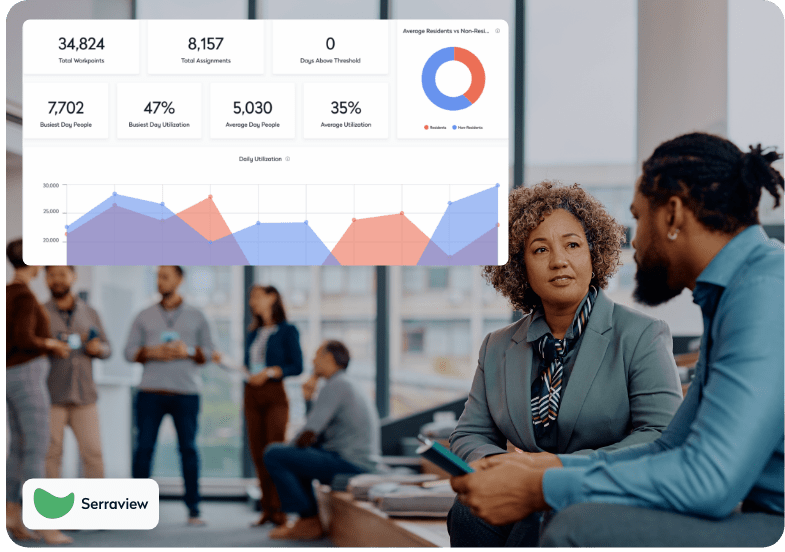
Serraview Live gives you a live view of occupancy across floors, neighborhoods, and desks. Spot trends, respond to changes, and support hybrid work using presence and status data you can trust. With fewer blind spots, teams reduce time on admin and make decisions that cut wasted space.
For Real Estate Leaders
Live occupancy shows where space sits empty, where demand spikes, and where to consolidate. With this clarity, leaders can right‑size square footage, improve utilization, and support business goals—moving from assumptions to action.
Get a demo →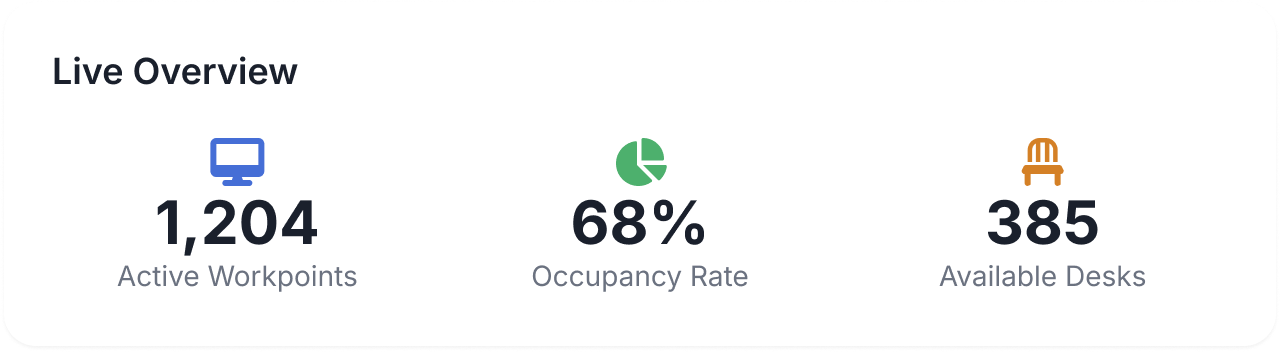
For Workplace Strategy Teams
See which spaces are open right now and where people are. Teams can direct employees to available areas, minimize blockers, and adjust seating plans without guesswork, cutting time spent coordinating moves and reducing day‑to‑day friction.
Get a demo →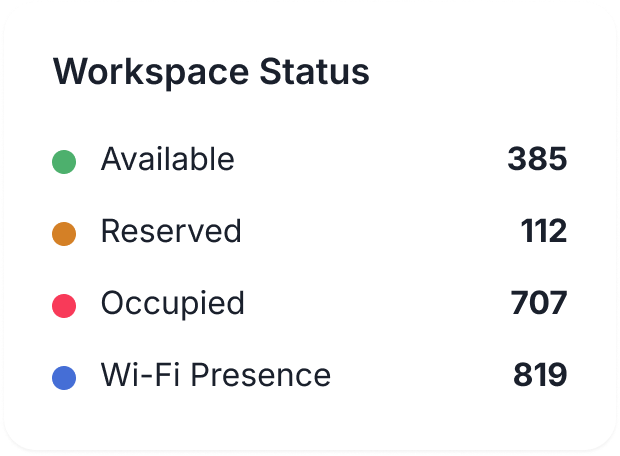
For Employees
Employees can see live status—open, reserved, or occupied—before they step into the office and avoid the hunt for desks or rooms. Clear presence indicators help them connect with colleagues and settle in quickly, improving the daily experience in hybrid offices.
Get a demo →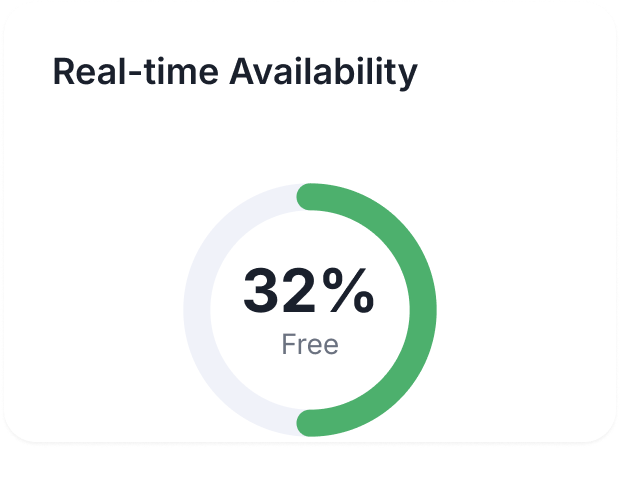
SVLive brings together real-time presence detection, status visibility, and occupancy analytics so you can plan, adapt, and execute space strategies with speed and accuracy.
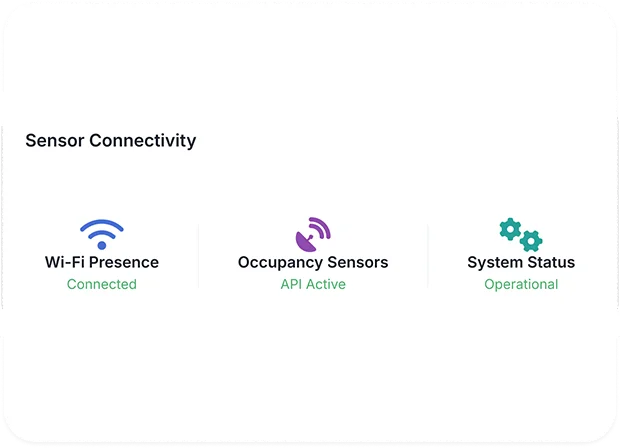
SVLive uses Wi-Fi, sensors, and badge data to show space status and where people are. See active areas at a glance and guide employees to available spaces without manual checks.
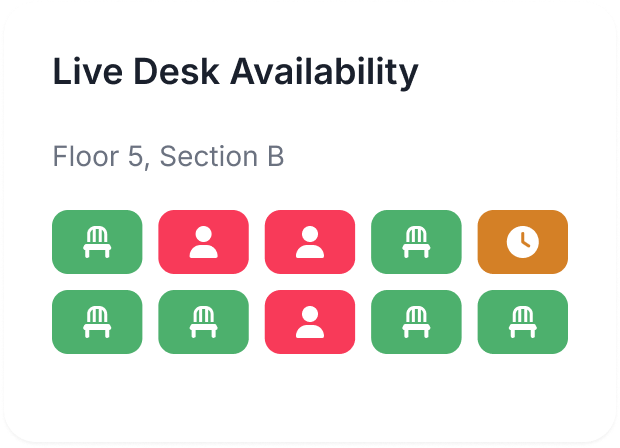
Color‑coded statuses show whether a desk or room is available, reserved, or occupied. This clarity helps teams reduce congestion, ease decision-making, and keep the workday moving.
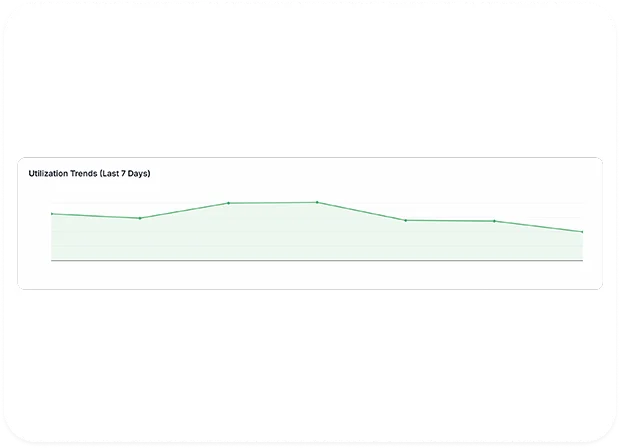
Track peak hours, underused areas, and utilization trends with interactive views. Use these insights to support consolidations, re‑stacks, or re‑allocation across the portfolio.